01
Import orders
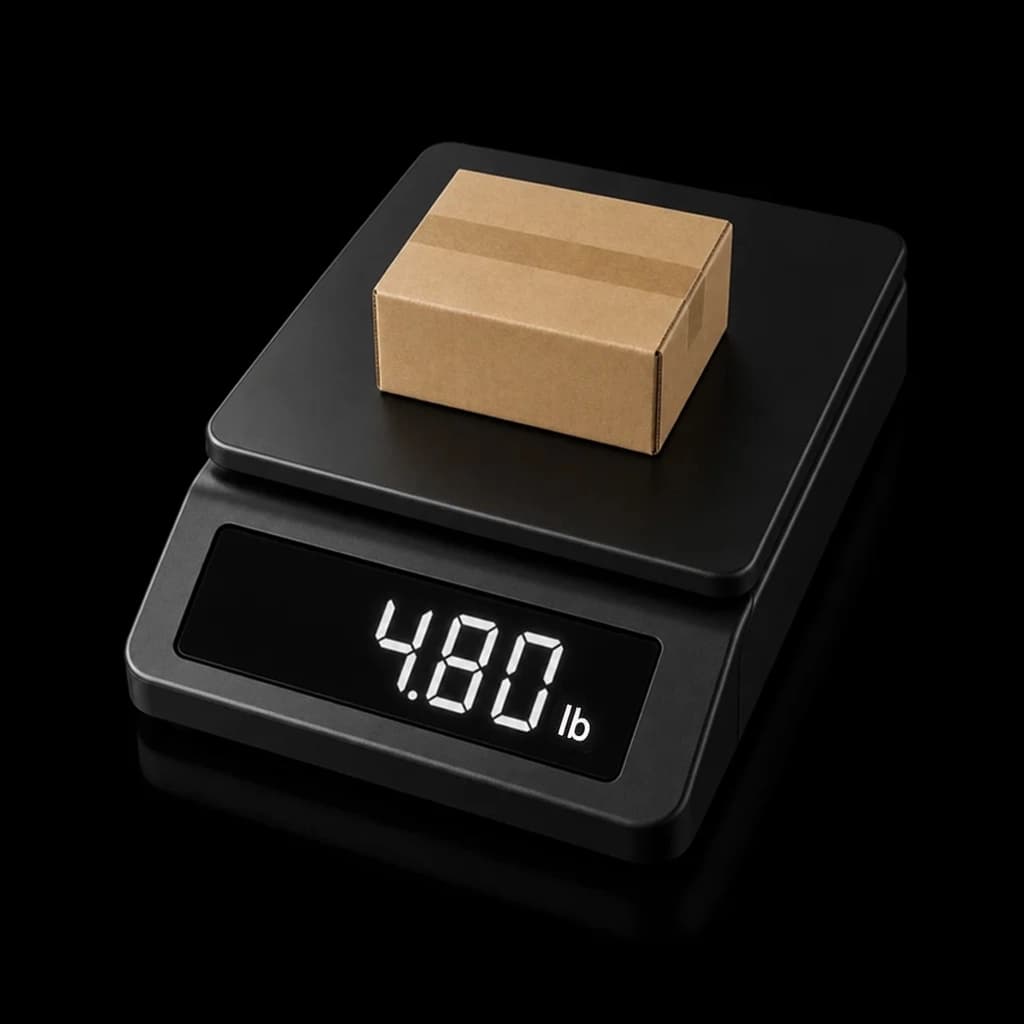
Bring in store orders, upload a spreadsheet, or create a one-off shipment from the desk.
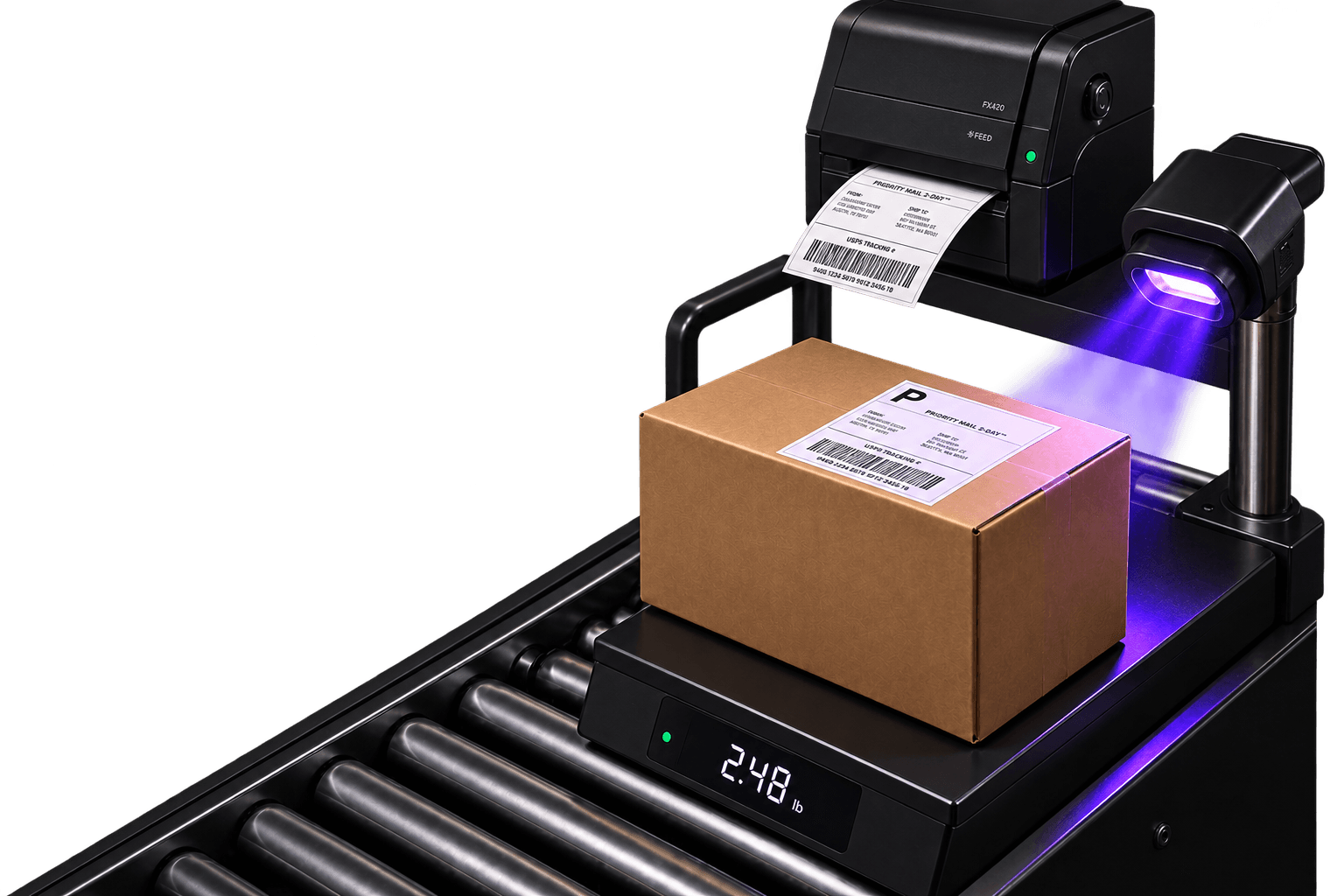
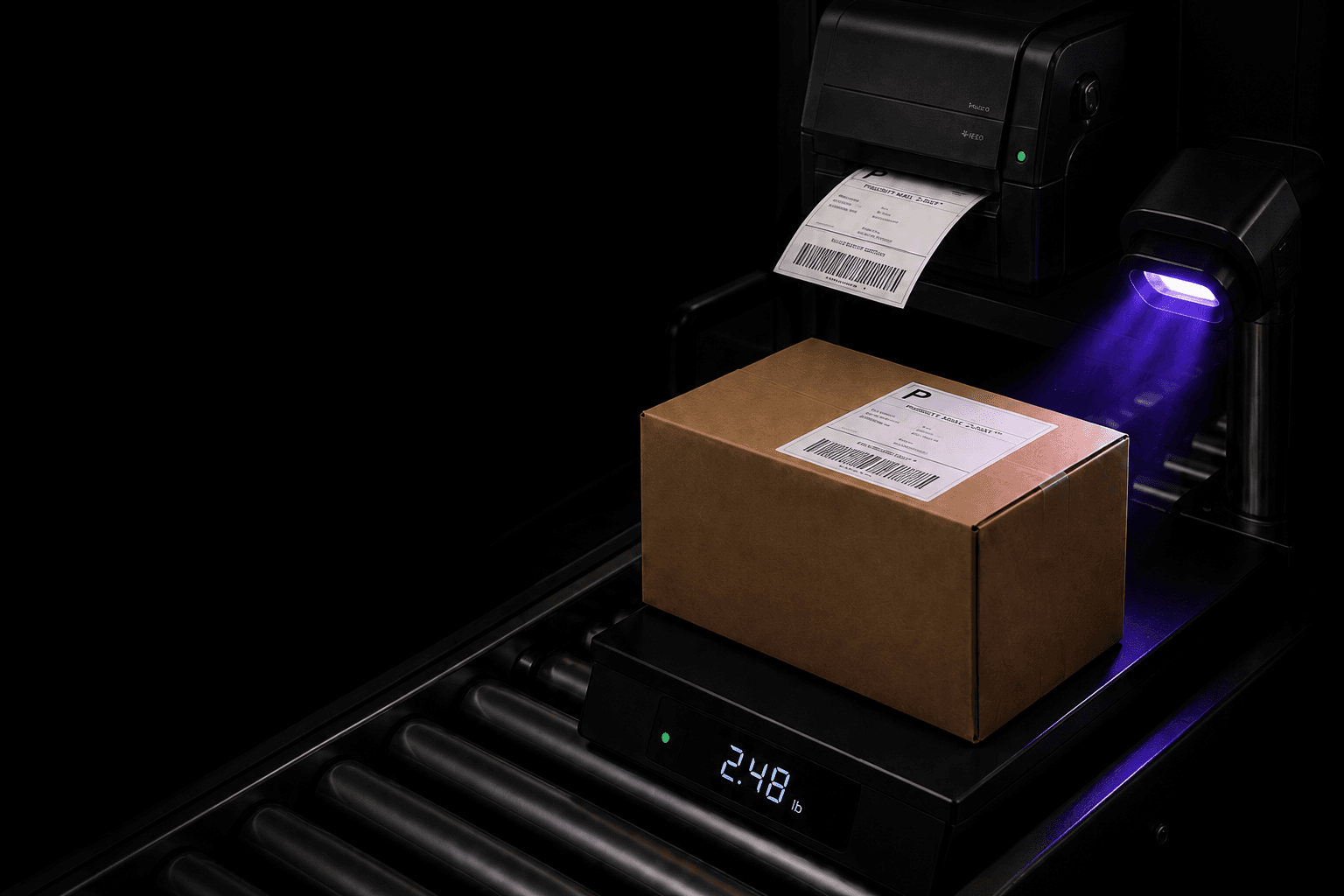
Compare rates, buy labels, track packages and manage returns from one item workspace.
Built for stores that need labels now
Import the work, choose the right service, then print and return tracking to the order without leaving Item.
01
Bring in store orders, upload a spreadsheet, or create a one-off shipment from the desk.
02
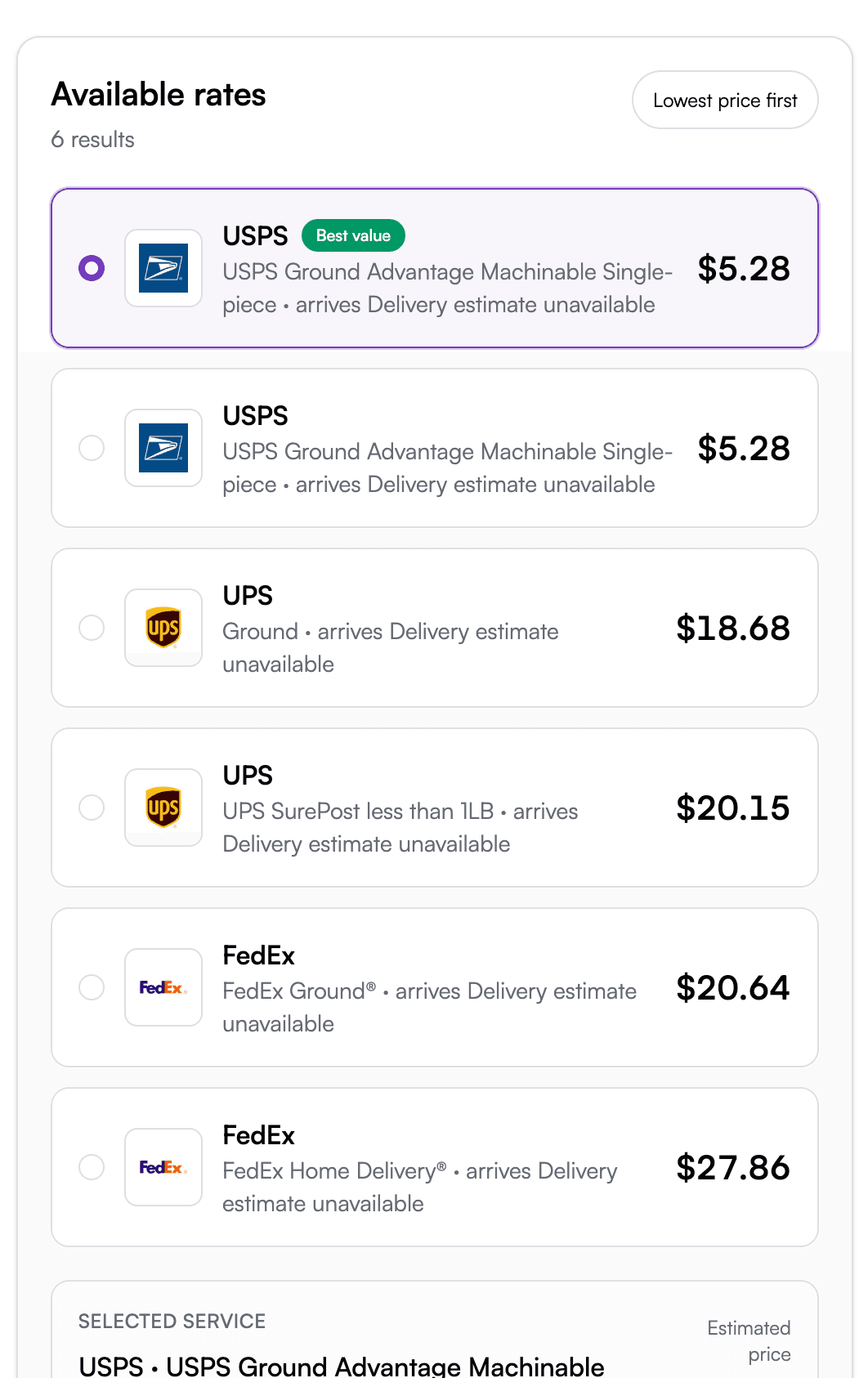
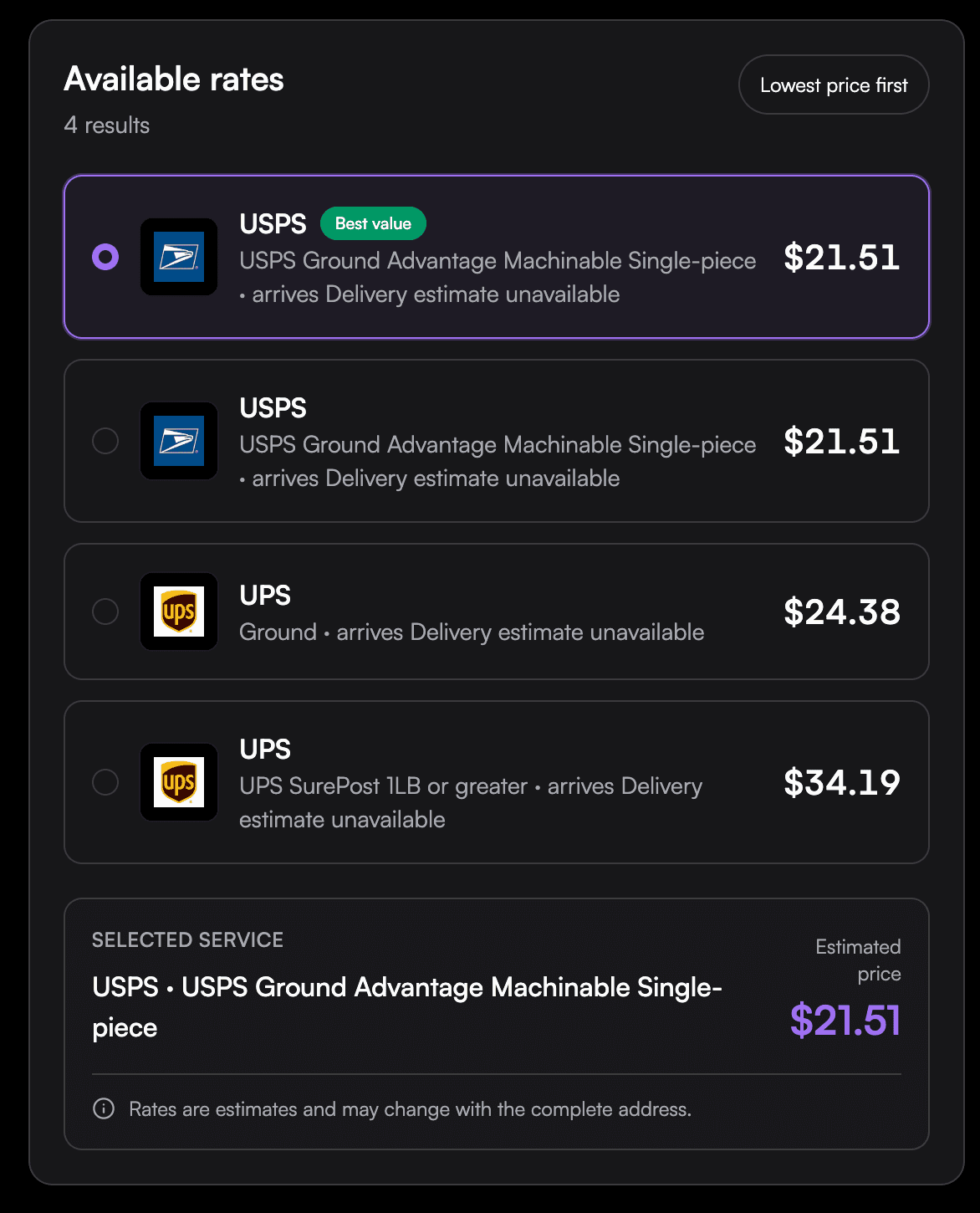
See service levels, delivery promises, insurance, and label cost before you buy.
03
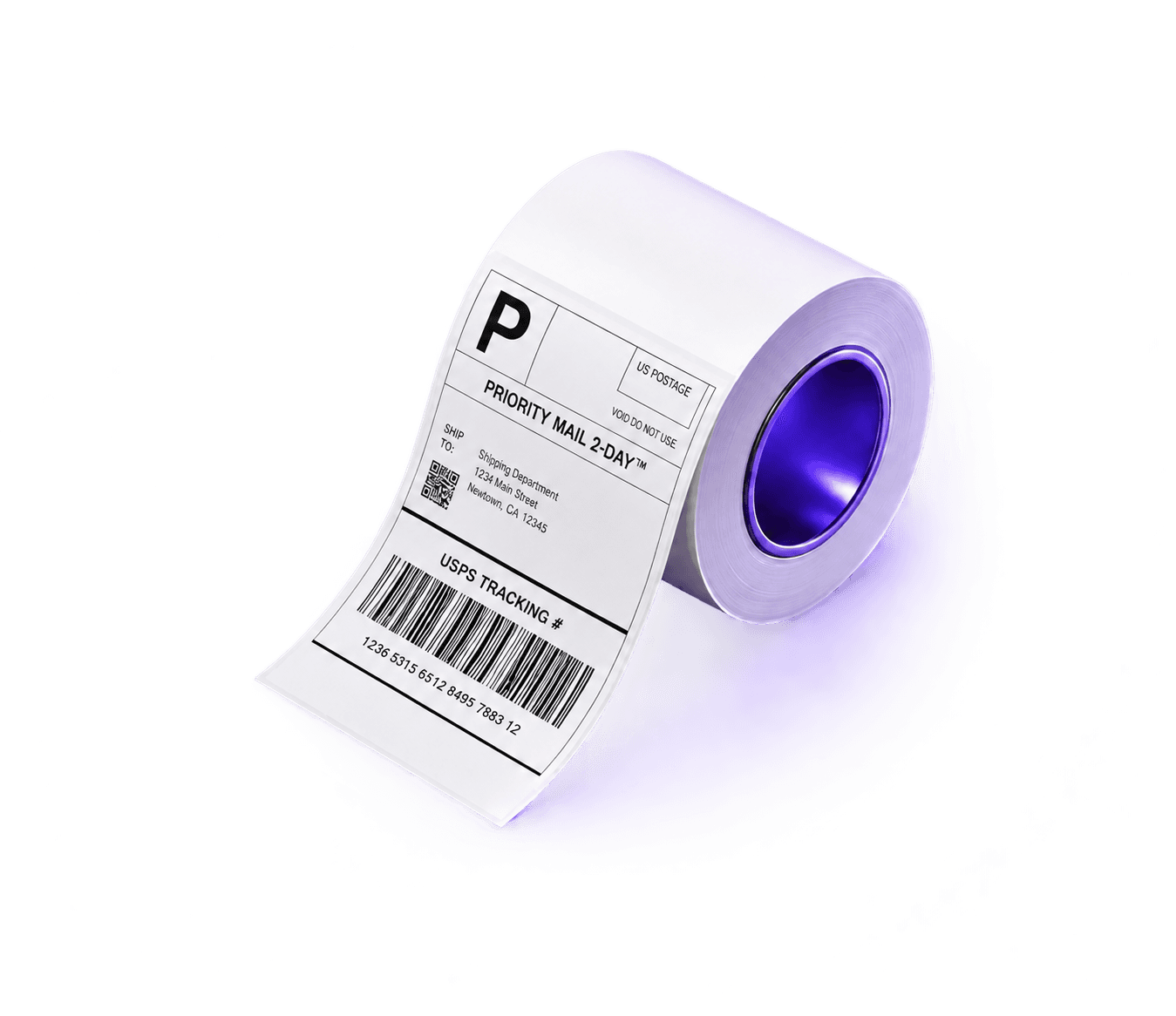
Print with desktop or thermal printers, batch labels, and hand tracking back to the store.

Delivery in 2-5 days
Retail
$12.94
ship.item.com
$8.31
Delivery in 1-3 days
Retail
$18.22
ship.item.com
$11.74
Delivery in 2 days
Retail
$29.48
ship.item.com
$21.10
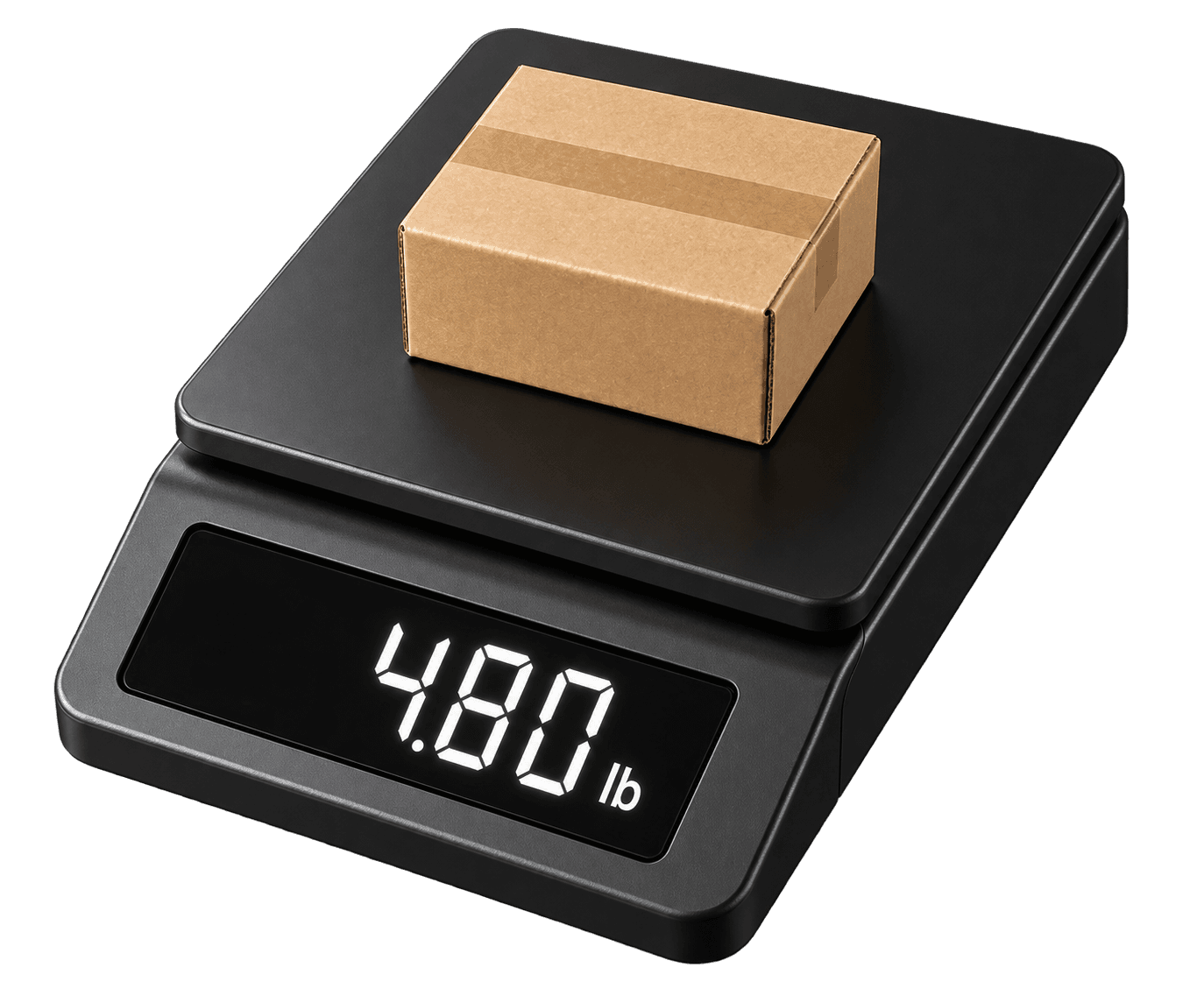
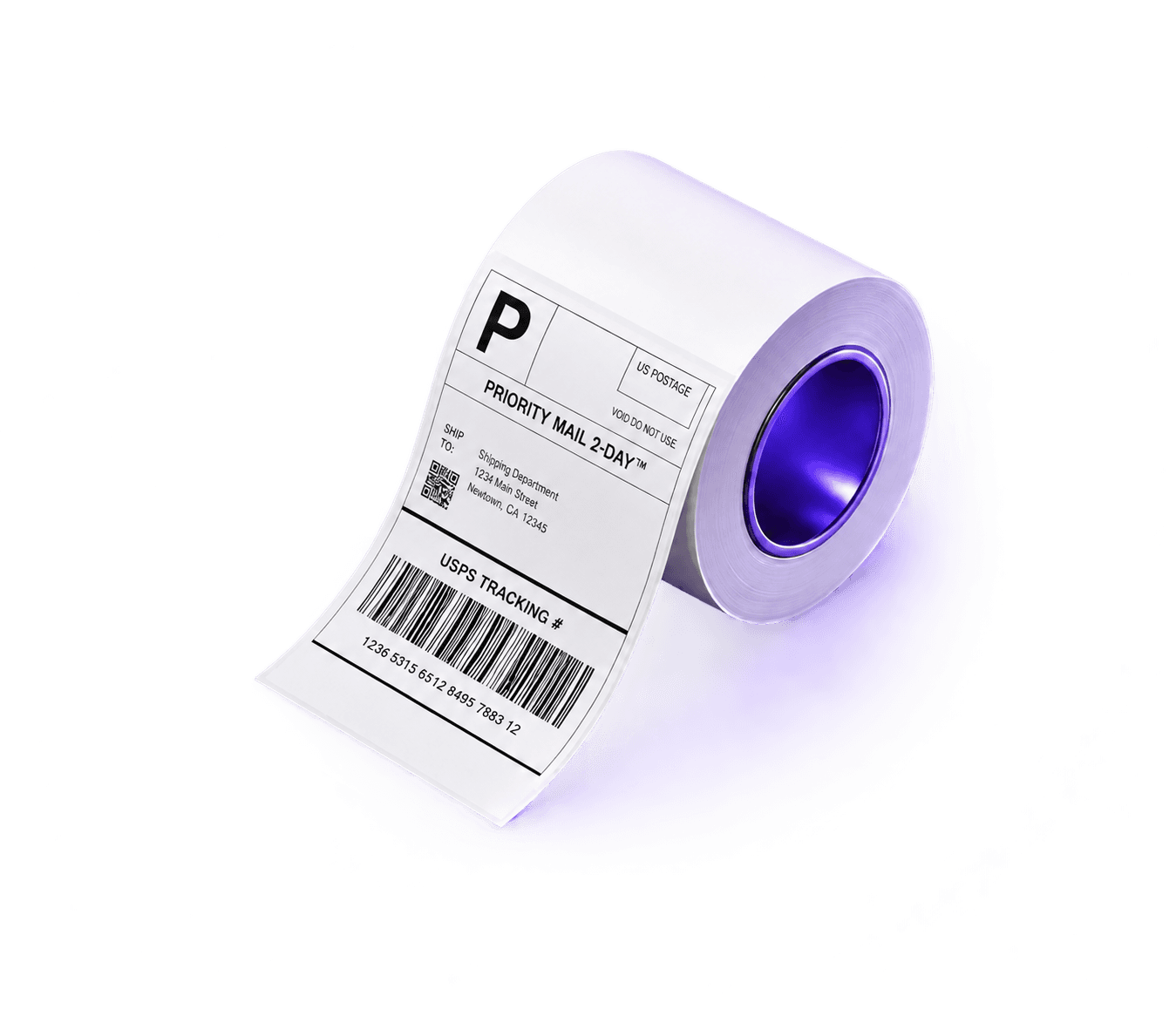
Turn an order into a ready-to-print label, then send tracking back automatically—all in one shipping workspace.
Create one label or upload an entire shipping run.